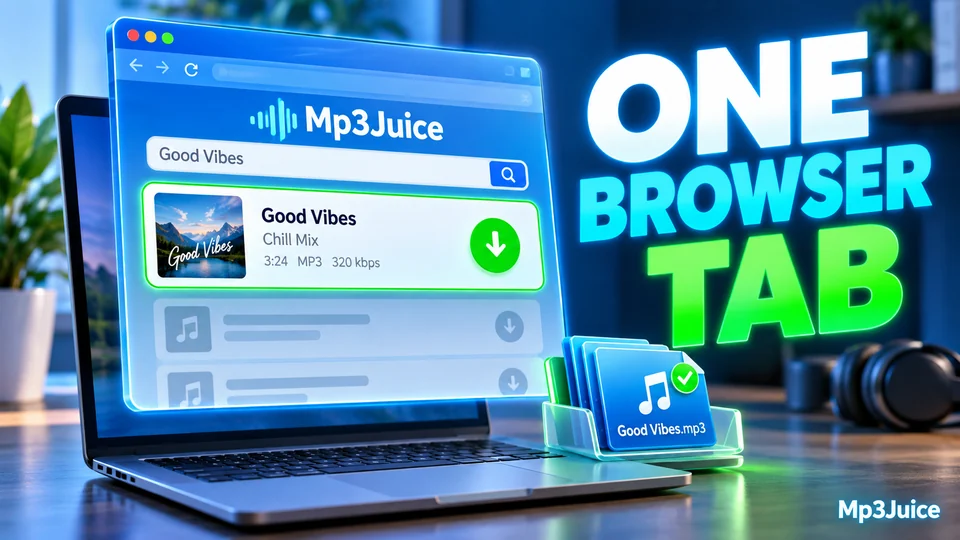
How to Use MP3Juice: Your First Search, Step by Step
A first session on MP3Juice from start to finish: open the site, search or paste a link, check the result, choose a format and find the saved file.

Using the search means you accept our Terms of Use.
Practical guides in seven subjects: using MP3Juice, finding music, MP3 and audio quality, YouTube conversion, managing downloaded music, download problems, and safety, rights and alternatives.
Walkthroughs of the search field, the Play check and the MP3 and MP4 options, device by device. The short version is on the page about how MP3Juice works.
A first session on MP3Juice from start to finish: open the site, search or paste a link, check the result, choose a format and find the saved file.
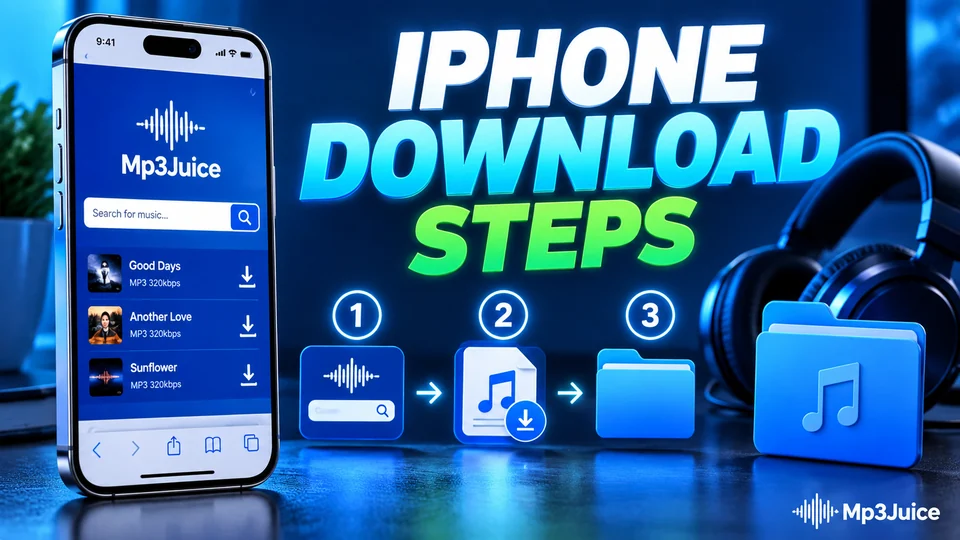
On iPhone, MP3Juice works in Safari and the song lands in the Files app, not in Music. These steps cover the download prompt, the folder and three ways to play the file.
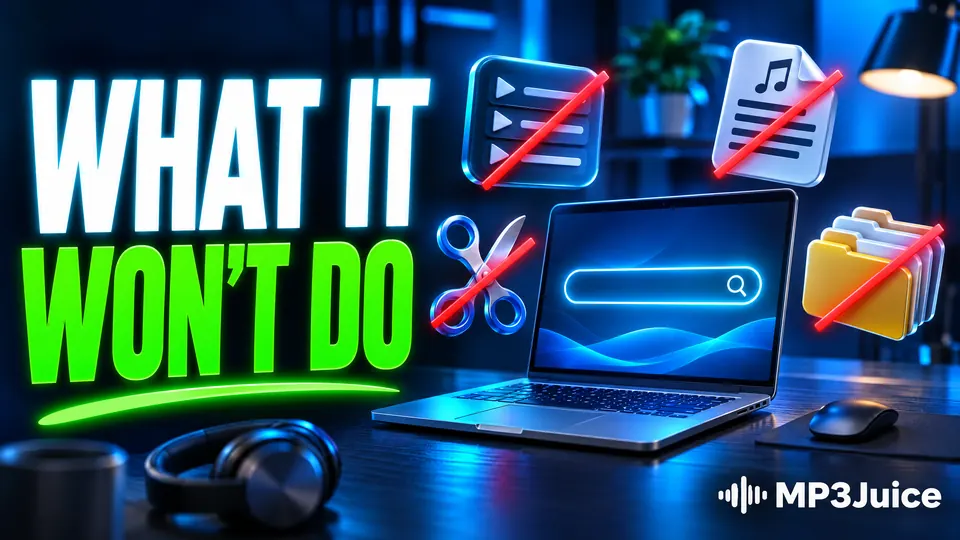
No playlists, no lyrics, no cutter, no tag editor and no batch download. Here is what MP3Juice does instead and what to use for each of those jobs.
MP3Juice has no sign-in, no sign-up form and no login. Here is what works without an account, what that means for privacy, and what you have to keep track of yourself.
On a computer, MP3Juice runs in any modern browser. Learn the desktop routine, how to choose the save folder and how to confirm that the file you received is really audio.
MP3Juice runs in a browser tab and needs nothing installed. See which prompts to allow, which to refuse and which file types to expect.
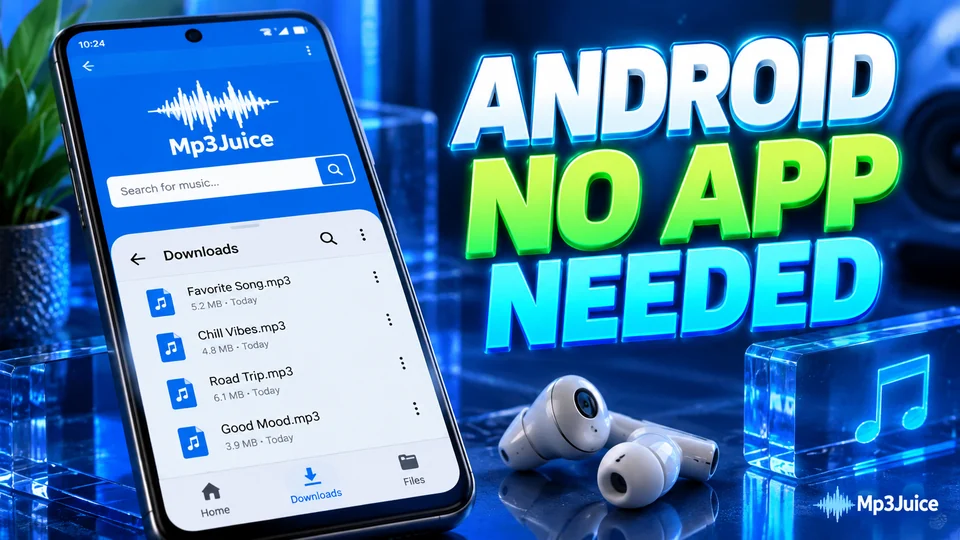
MP3Juice needs no app or APK on Android. Chrome does the whole job: search, download, then find the song in the Download folder and play it in the music app you prefer.
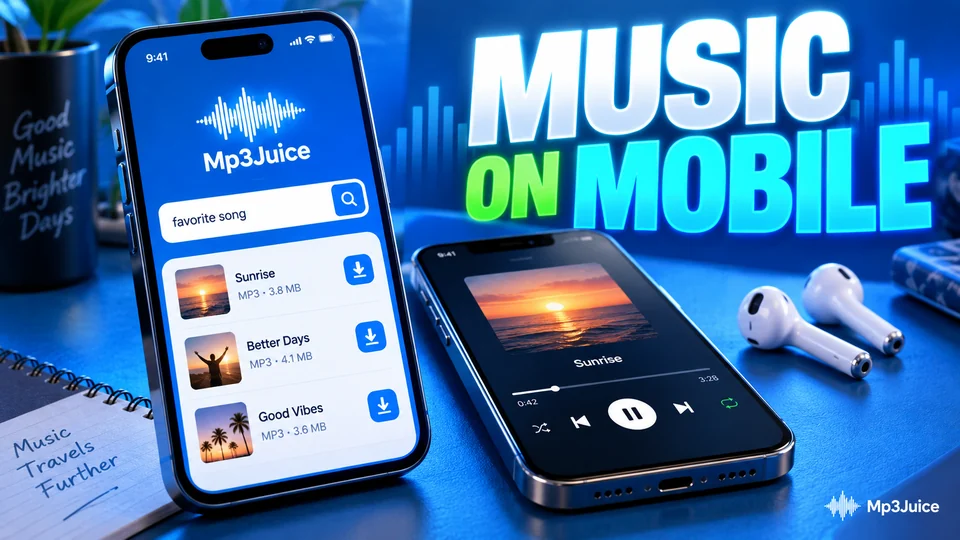
MP3Juice runs in the browser your phone already has. This guide compares Android and iPhone: the steps, the Paste button, data use and where the file ends up.
How to find a song you cannot name, how to word a search for amapiano, gospel, maskandi, hip hop, Afrobeats and DJ mixes, and how to read the chart. The general rules are in the search tips.
Five routes from a half-remembered song to its title, and the wording that finds the right recording once you have it.
Afrobeats titles are short, credits are long and every hit has several versions. These search habits get you the upload you meant, from the featured artist to the sped-up edit.

One hymn, fifty choirs, several languages. Search gospel and worship songs by performer, recording type and hymn book, and see why the song and the recording carry separate rights.
A rap song can exist as an album cut, a video cut, a clean edit, a remix and a dozen fan edits. Search for the one you mean and check it before you save it.
Amapiano singles carry long credit lists and circulate inside hour-long mixes. Search by the right name, tell the genre from its neighbours and pick out a single track.

Maskandi is one guitar-led style, while Zulu music is everything sung in isiZulu. Learn to tell them apart, spell the names as uploaders do and choose between a single, an album and a live show.
Trending is not the same as new. See what the Top Songs and New Releases chart on MP3Juice shows, how fresh releases reach YouTube and how to search for a song that is days old.
A remix, an extended mix and a two-hour DJ set can share one song title. Learn to read the brackets and the running time, and what to expect when you save a long mix.
How to type South African song titles, credits and genres into MP3Juice so the right upload appears, and how to check it before you download.
What decides how an MP3 sounds: the source, the compression, the bitrate and the sample rate. The basics are in the guide to what an MP3 file is.
The bitrate on the label is one link in a chain. Source, encoder and playback matter as much, and a weak link early on cannot be repaired later.
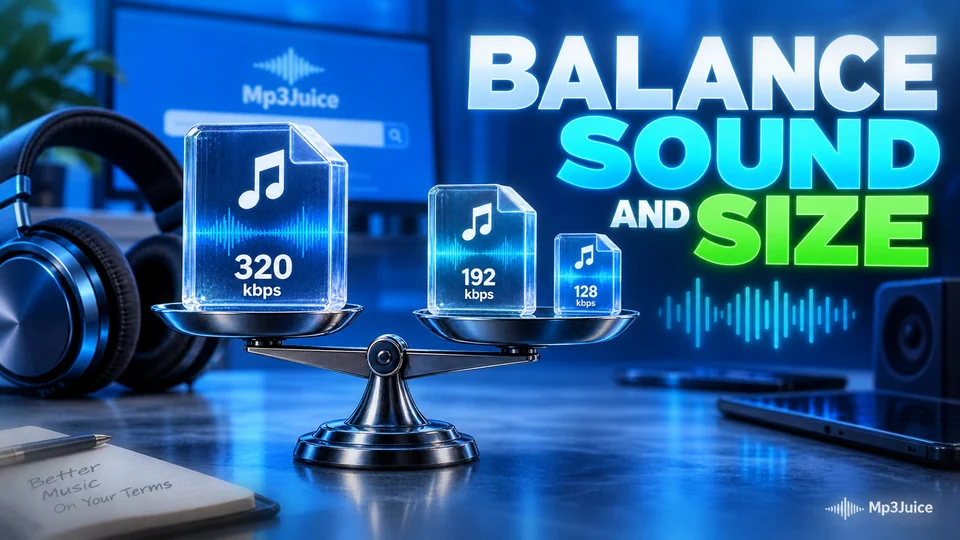
The bitrate in a file's properties tells you how an MP3 was written, not what went into it. Here is where to read it on each device and how to test the sound behind the label.
320 kbps is the highest MP3 bitrate, but the label describes the file, not what went into it. See what the number means and what a YouTube source can really deliver.
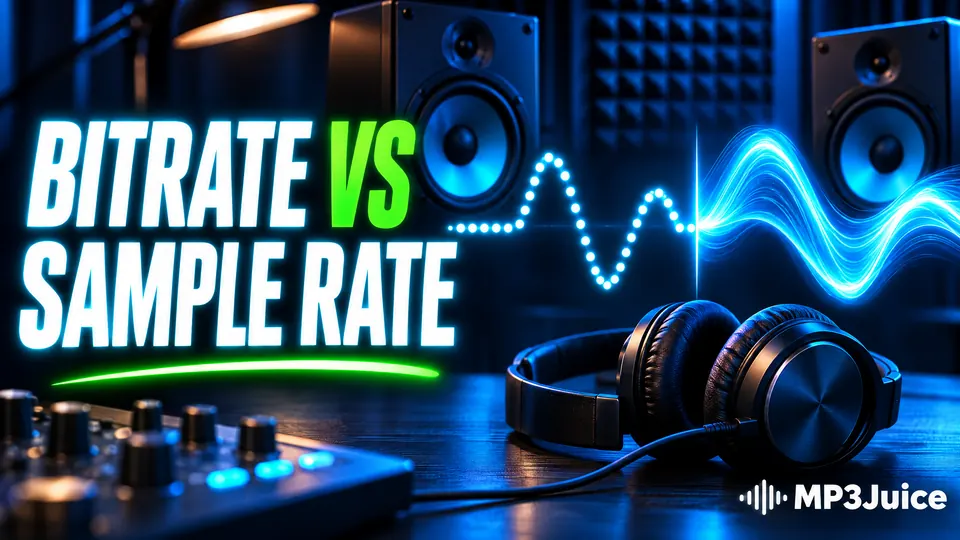
Sample rate and bitrate measure different things. One sets the range of pitches a file can hold, the other how much data describes each second.
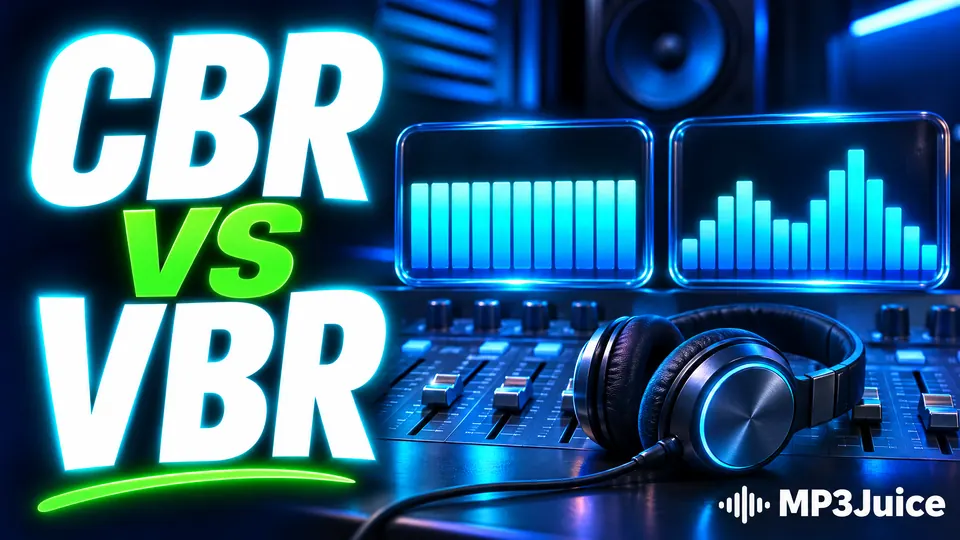
Constant bitrate is predictable and variable bitrate is more efficient. Here is how each works inside an MP3 and when the difference matters.
An MP3 encoder turns sound into frequencies, works out what the ear will miss and stores the rest in fewer bits. Each stage is explained in plain terms.
What a converter receives from YouTube and what becomes of it in an MP3 or MP4 file. The tool these articles explain is the YouTube downloader.
A converter works with the compressed streams YouTube serves, not with a master file. This article follows those streams into an MP3 or an MP4 and shows what each route costs.
MP3 keeps the sound, MP4 keeps the picture too. Compare what each file holds, how big it is and where it plays, then follow the choice from the Download panel to a checked file.
An MP4 keeps the picture as well as the sound. See what the file holds, how to estimate its size from the bitrate and what to do when a device refuses to play it.
Five kinds of YouTube video fail at the conversion step. See how to recognise each one before you wait for a file, and what to try in its place.
YouTube never plays the file a creator uploaded. It plays compressed AAC or Opus copies, and those copies are the real source of any MP3 made from a video.
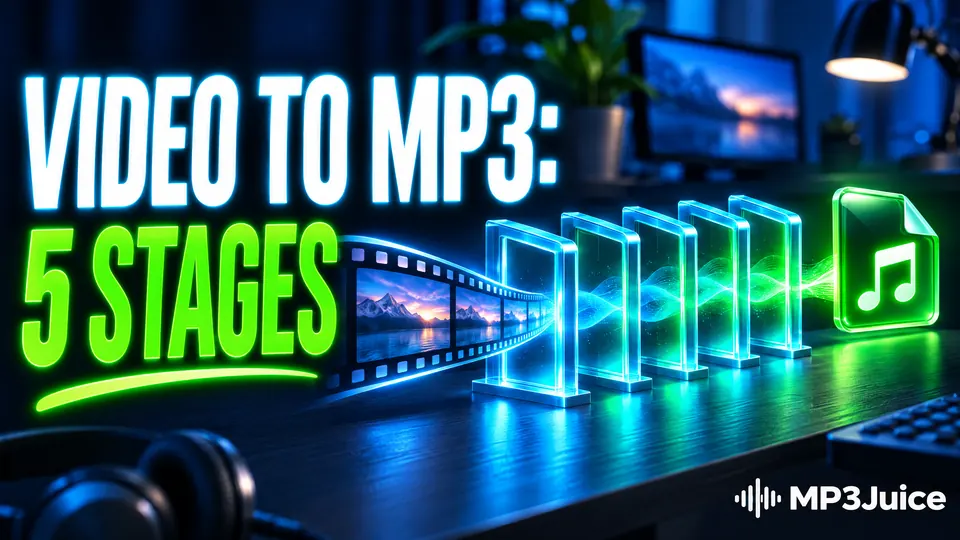
A converter never turns pictures into sound: it finds the audio stream, decodes it and encodes it again as MP3. Here is each stage and what it does to the file.
YouTube keeps an Opus copy and an AAC copy of most soundtracks. They differ in age, efficiency and device support, and far less in sound than the names suggest.
Where each phone and computer saves a file, and how to name, move and back up a collection. Apps and files are compared in the guide on how to download music offline.
Where each phone and computer puts a downloaded song, and a short routine for checking, naming, moving and backing up your MP3 files.
A four-minute song costs about 3.8 MB of data as a 128 kbps MP3 and several times that as video. Here are the numbers for the download, the preview and the space the file takes.
A downloaded MP3 on iPhone lives in the Files app, not in Music. Here is how to find it, store it, rename it, play it and sync it.
Turn a crowded Downloads folder into a sorted Windows music library using File Explorer: folders, file names, tags, duplicates and backup.
Android keeps browser downloads in a folder called Download on internal storage. Here is how to reach it from the browser and from the file manager.
Faults sorted by the stage that failed, from a blocked download to a silent file. The first five checks are on the page MP3Juice not working.
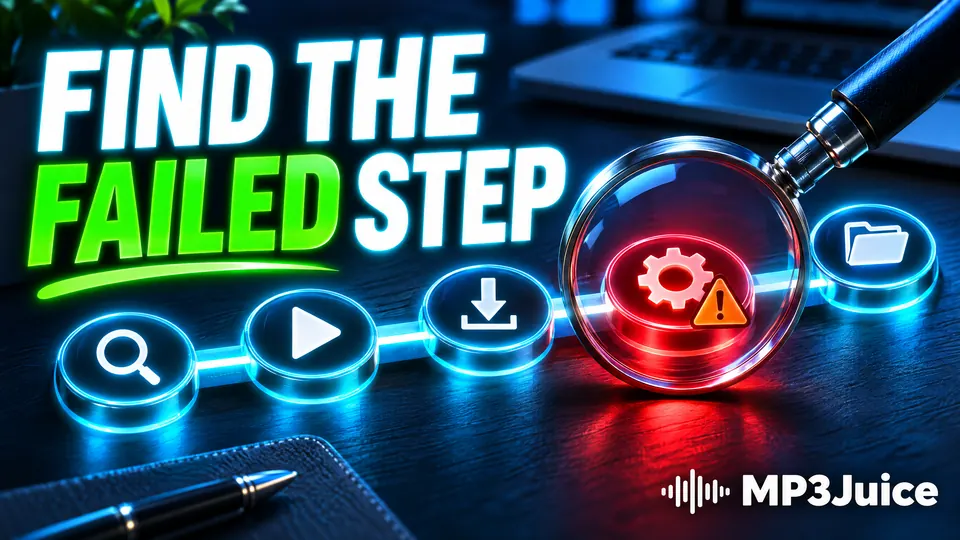
Work out where an MP3 download failed before you change anything. Five symptoms, the likely cause of each and the check that confirms it.
A download has four stages, and only some of them are in your hands. Learn which stage is slow for you and which changes actually shorten the wait on MP3Juice.
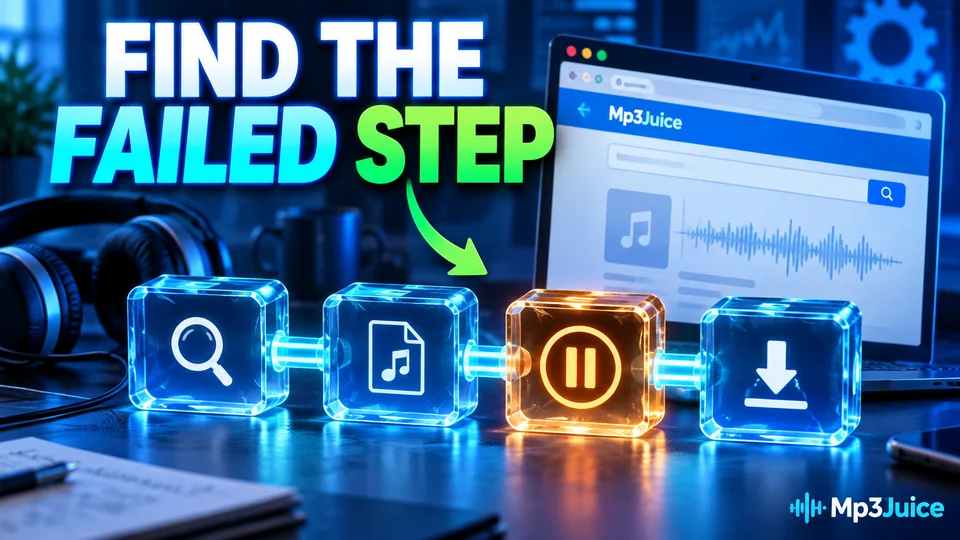
On a phone, a Play or Download button that does nothing usually comes from an in-app browser, a content blocker, a data saver or full storage. Find your symptom and the first fix.
A download that stalls partway has four likely causes. The browser's download list shows which one applies and what to change before you retry.
A silent MP3 is often a healthy file. Check where the sound is going, try a second player, then look at the file's size and the source video.
A blocked download is a verdict on the file, the connection or a permission. The wording of the warning tells you which, and when to leave the block alone.
What to check before you open a file, what you may keep, and where licensed music is offered. One page answers whether MP3Juice is safe to use.
The tool is a search page, and the rights belong to whoever made the recording. A plain guide to what you may save and how to check a licence.
A genuine MP3 is audio data and cannot run by itself. The risk is a program that arrives under a song's name, and a few checks on the file catch it.
Check the licence first, then convert. Here is how to confirm that a YouTube video is yours, licensed or free to reuse, and how to save its audio as an MP3.
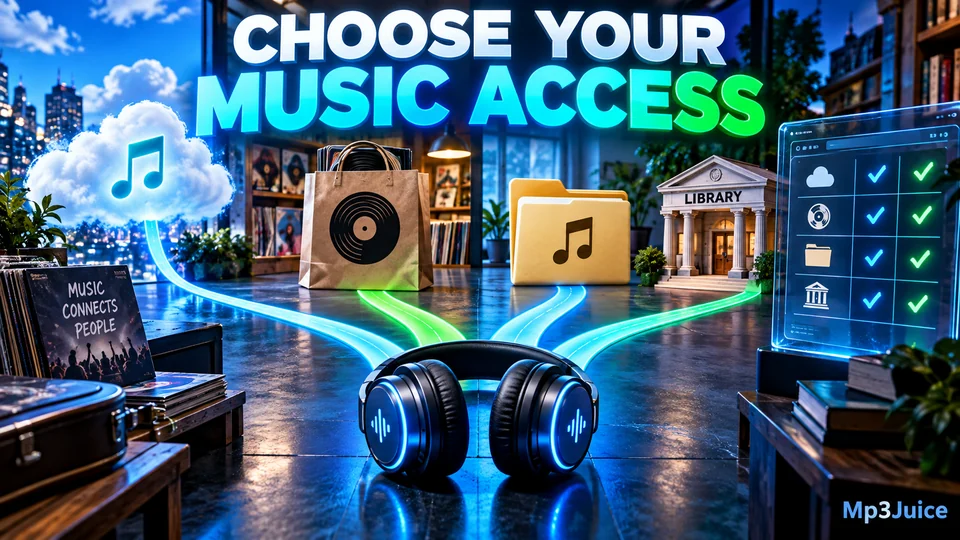
Four licensed routes to music, compared by where the file lives, what it costs and what you are allowed to do with it.
Many unrelated sites use the MP3Juice name. These checks on the address, the padlock and the page's behaviour show which one you are on.