
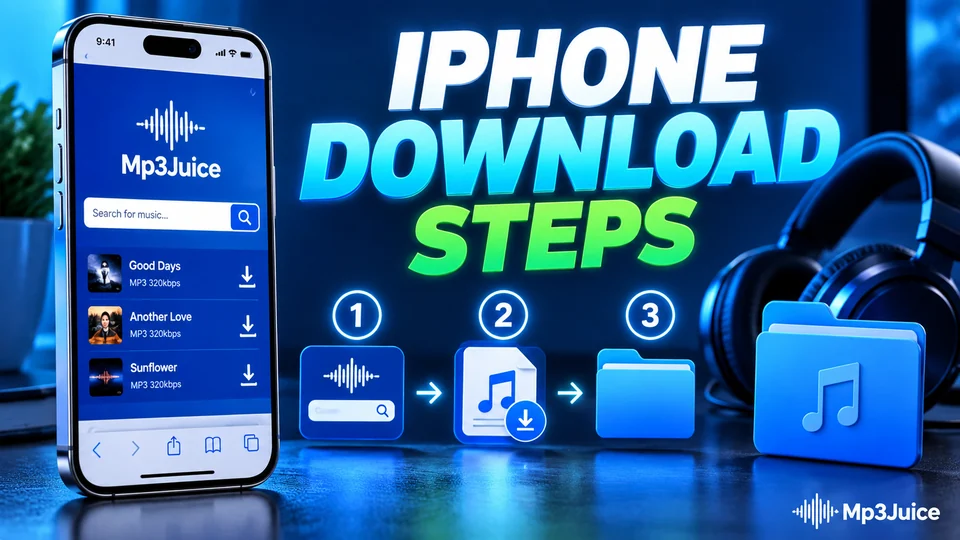
To use MP3Juice on iPhone, open the site in Safari, search for the song, tap Download and then Download MP3, and confirm Safari's prompt. The file is saved to the Downloads folder in the Files app. Nothing comes from the App Store, and there is no account to set up. Safari has been able to save files since iOS 13, so any reasonably current iPhone can do this.
The part that surprises people comes after the download. iOS puts the song in the Files app, not in the Music app, and the two are separate. The sections below sum up the download and the folder, then show how to play the file.
How to use MP3Juice on iPhone in Safari
The routine on MP3Juice is the same in Safari as in any browser: search, check the result with Play, tap Download, then Download MP3, and pick an option. Safari then asks whether to download the file, and the page on MP3 download on iPhone goes through the five steps and that prompt.
Find the song in the Files app
Open the Files app, tap Browse and open Downloads, which is in iCloud Drive, or under On My iPhone when iCloud Drive is off. The page on MP3 download on iPhone shows both places, and renaming, moving and backing up the songs is the subject of MP3 files on iPhone.
Change where Safari saves downloads
In the Settings app, open Safari, which is under Apps on iOS 18 and later, then tap Downloads and choose iCloud Drive, On My iPhone or another folder. Songs saved under On My iPhone play with no connection, and the page on MP3 download on iPhone gives the steps for each choice.
Three ways to play the file
A downloaded MP3 does not appear in the Music app by itself. The table sets out the three options.
| Option | How it works | Suits |
|---|---|---|
| Files app | Tap the song in the Downloads folder | A quick listen with no extra steps |
| A player app such as VLC | Share the file from Files to the app, or browse to it from inside the app | Playlists and a library kept on the phone |
| Music library | Add the file to Music on a Mac or to Apple's software on Windows, then sync the iPhone | Keeping downloads beside the rest of your collection |
The third route needs a computer, because the Music app on iPhone does not import from the Files app.
On a Mac, drag the file into the Music app, connect the iPhone and sync it in Finder. On Windows, Apple's Music and Devices apps do the same job, as does iTunes on older setups. If Sync Library is switched on with an Apple Music subscription, songs added on the computer upload to your library and reach the phone without a cable.
MP4 videos and other browsers on iPhone
Download MP4 works the same way, and the video also lands in Files. To place it in the Photos app, open the video in Files, tap Share and choose Save Video. Video files are far larger than audio, so check free space first under Settings, General, iPhone Storage.
Chrome and Firefox on iPhone can download as well. By default each keeps its files in a folder named after the browser under On My iPhone, not in Safari's Downloads folder. The search and download steps on the site are identical.
Common iPhone snags
Seven snags account for most questions, and each has a short fix:
- Nothing seems to happen after you choose an option. Scroll to the top of the page so the address bar is fully visible, then check the Downloads list.
- The song plays in the browser but is not saved. View was tapped on Safari's prompt. Repeat the step and tap Download.
- The download arrow has gone. Safari clears its list after a day by default. The file is still in the Files app.
- The file is missing from Files. Look in both Downloads folders, or use the search field at the top of the Files app.
- A download fails partway. Free up space or move to a steadier connection, then start again from the results.
- The file will not play. Try another result for the same song, then read why a downloaded MP3 will not play.
- No options appear. Not every video can be converted. Live streams and very long uploads often fail, and so do private videos, age-restricted ones and those blocked where you are.
The usual limit applies on iPhone as anywhere. Keep a file only when the recording is your own, when you hold a licence or permission for it, or when the work is public domain or openly licensed. Rules differ between countries.