
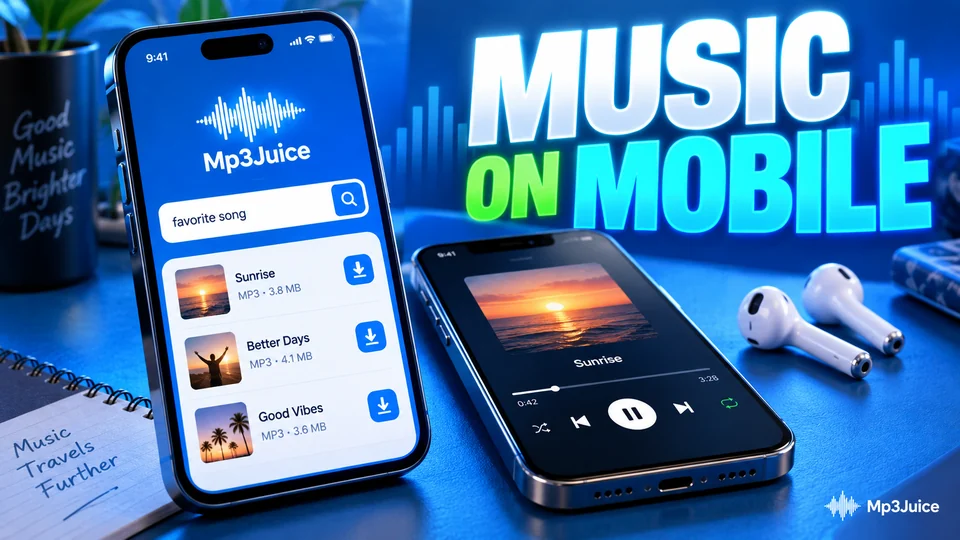
MP3Juice works on a phone in the browser that is already installed: Chrome on Android and Safari on iPhone follow the same steps and differ only in where the file is saved and which app plays it. There is no app to install and no account to create. You open the site, search for a song and let the browser save the file.
This guide compares the two phones side by side, along with the small-screen details that catch people out. Why nothing has to be installed is covered on the page about MP3 download without an app.
How MP3Juice works in a mobile browser
Open MP3Juice in Chrome, Safari, Samsung Internet or Firefox. The page is built around one search field. Type a song, an artist or both, or paste a YouTube link.
A search opens a results page of matching YouTube videos. Each result has two buttons. Play runs the video in an embedded YouTube player, so you can hear exactly what you are about to save. Download opens a panel with two choices, Download MP3 and Download MP4.
Whichever you choose, the download options that follow come from an external conversion service. The site does not store media files itself. Which qualities appear and how long a file takes to prepare both depend on the source video and on that service.
Five steps, the same on both phones
A search takes the same five steps on Android and iPhone: type a title or an artist, tap Search, tap Play to check the result, tap Download, then choose MP3 or MP4 and pick one of the options shown. The walkthrough on how to use MP3Juice explains each screen.
The phones differ only in what the browser does next. Safari on iPhone shows a small prompt with a Download button. Chrome on Android starts the download and reports it in a notification. On either phone, open the file from the browser's download list and check that it plays through. Naming and moving it afterwards is covered in the guide to downloaded music on every device.
You never need to install anything or sign in to finish these steps. Buttons sit close together on a small screen, so if they feel cramped, turn the phone sideways for a wider layout. If a tap opens a page you did not ask for, close that tab and go back to the results.
The Paste button and clipboard prompts
A copied link saves typing on a small keyboard. In the YouTube app, tap Share under the video and then Copy link. Back on the site, the Paste button fills the search field from your clipboard.
Phones guard the clipboard, so expect to confirm. Chrome on Android asks whether the site may see text you have copied. Safari on iPhone shows a small Paste bubble for you to tap. If you decline, press and hold inside the field and choose Paste from the system menu instead.
A pasted link skips the results list. You land on the converter page for that one video, where a preview player lets you check it before choosing MP3 or MP4.
Where the file goes on Android and iPhone
The browser decides where a download is stored, not the website. The table compares the two most common setups on six points:
| Detail | Android with Chrome | iPhone with Safari |
|---|---|---|
| Default folder | Download, in the phone's internal storage | Downloads, in iCloud Drive or On My iPhone |
| Quickest way to the file | Chrome menu, then Downloads | Download arrow beside the address bar |
| File manager | Files or My Files app | Files app |
| Setting that controls the location | Chrome Settings, then Downloads | Safari's page in Settings, then Downloads |
| Shows up in the music library | Usually, once a player scans storage | No, unless you sync from a computer |
| Full steps on this site | MP3 download on Android | MP3 download on iPhone |
Either phone will play the file as soon as you tap the finished download. Android hands it to a music app, and iPhone plays it inside the Files app. On iPhone, the Downloads folder sits in iCloud Drive when iCloud Drive is switched on and under On My iPhone when it is not. The Android routine is set out in MP3Juice on Android. The iPhone routine, with Safari's prompts, is in MP3Juice on iPhone.
Mobile data, storage and file size
Audio files are small. A four-minute MP3 is just under 4 MB at 128 kbps and just under 10 MB at 320 kbps. An MP4 of the same song often runs to tens of megabytes, depending on the resolution. Five points keep data and storage in check:
- Play streams the YouTube video, which uses data as well. A few seconds is enough to recognise a song.
- On a capped data plan, download over Wi-Fi and choose MP3 unless you need the picture.
- When you are abroad, roaming charges can apply to every megabyte. Wait for Wi-Fi.
- A higher bitrate label does not improve sound taken from YouTube, where audio is already compressed to roughly 128 to 160 kbps. It only makes the file larger.
- Check free space before a long session. Android lists it under Storage in Settings. On iPhone, open Settings, General, then iPhone Storage.
If the aim is listening with no connection at all, read the guide on how to download music offline next.
Keep the page open while the file is prepared
Preparation happens before the browser starts saving anything. Phones reclaim memory by reloading tabs left in the background, so switching to another app during that wait can send you back to the beginning.
Stay on the page until the browser confirms that the download has started. From then on the browser handles the transfer, and a song is small enough that it rarely takes long on a steady connection.
When nothing has started after a minute or two, go back and try another result for the same song. Some videos may not convert at all: private or age-restricted videos, videos blocked in a region, live streams and very long uploads.
Tablets, shortcuts and a note on rights
On a tablet the routine is identical, and the larger screen shows more results at once. Safari on iPad asks websites for their desktop layout by default, so the page may look as it does on a laptop.
For quicker access next time, keep the site on your home screen. Chrome on Android and Safari on iPhone can each place an icon there, and nothing comes from an app store. The menu wording differs between browser versions, so the current steps for both phones are on the MP3Juice app page.
Save only recordings you made yourself, have a licence or permission for, or that are in the public domain or under an open licence. The rules differ from country to country.