
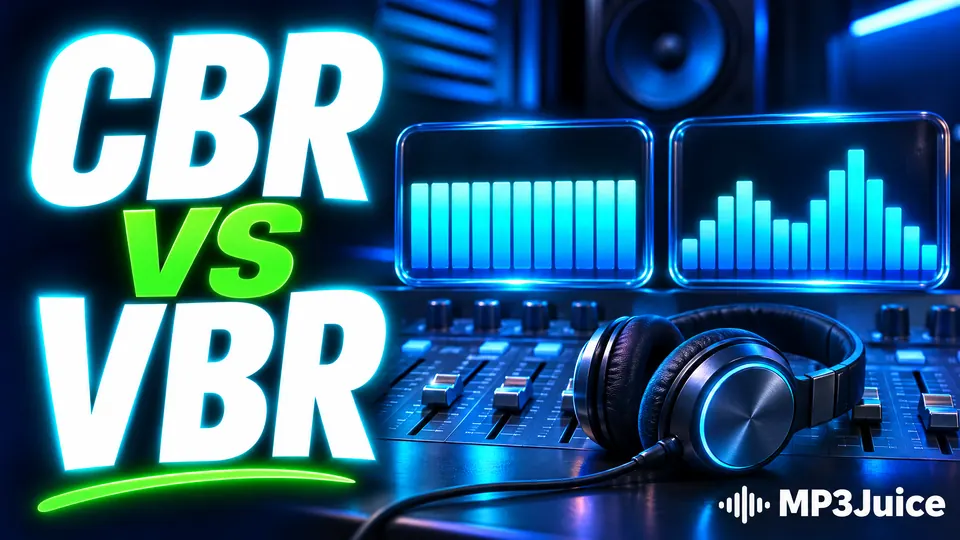
CBR vs VBR in MP3 comes down to how an encoder shares out its bits across a song. Constant bitrate (CBR) gives every moment the same amount of data. Variable bitrate (VBR) gives more to busy passages and less to simple ones. Both produce ordinary MP3 files that open in the same players. VBR suits a music library, and CBR suits streams, podcasts and older players.
The choice is yours only when you make the file, for example when you rip a CD or export a recording. With a downloaded file the mode was decided for you. Knowing the difference still helps you read a file's properties, and it explains why two files of the same song can differ in size. The wider picture is in what decides MP3 audio quality.
An MP3 is a chain of frames
An MP3 is not one continuous stream. It is a sequence of frames, each holding about 26 milliseconds of sound at the usual 44.1 kHz sample rate. That makes roughly 38 frames per second. Every frame begins with a short header, and one field in that header states the bitrate of that frame. Other fields give the sample rate and say whether the frame is mono or stereo. The page on what an MP3 file is shows how frames, bitrates and tags fit together.
Because each frame declares its own bitrate, nothing forces neighbouring frames to match. The format allows a fixed set of values from 32 to 320 kbps, and an encoder may pick a different one for every frame. CBR and VBR are two policies for making that pick.
Constant bitrate: the same budget everywhere
A CBR encoder gives every frame the same bitrate. Ten seconds of silence at 320 kbps takes 400 KB, exactly as much as ten seconds of a full orchestra. A small buffer called the bit reservoir lets a frame borrow unused space from the frames just before it, but the overall rate never changes. How the encoder decides what to keep within a frame is explained in how MP3 compression works.
The advantage is predictability. File size is bitrate times duration, so a five-minute song at 256 kbps is 9.6 MB before tags. Any player can work out the track length from the file size, and a stream needs the same bandwidth from start to finish. The cost is waste on easy passages and, at lower settings, strain on hard ones.
Variable bitrate: a quality target, not a number
A VBR encoder is given a quality level and chooses the bitrate frame by frame to hold that level. Silence and sparse passages drop towards 32 kbps. A cymbal crash or a dense chorus can take the full 320. The ten seconds of silence that cost 400 KB under CBR now cost about 40 KB. The file ends up with an average bitrate that you learn only when encoding is finished.
LAME, the open-source encoder built into many audio programs, numbers its VBR levels from V0, the highest quality, to V9. On typical music V0 averages around 245 kbps and V2 around 190 kbps, though a quiet piano piece and a loud rock track land in different places at the same setting. In ordinary listening V0 is very hard to tell from 320 kbps CBR, and its files are about a quarter smaller.
CBR vs VBR MP3 side by side
A third mode, average bitrate (ABR), sits between the two. The encoder varies the bitrate but steers towards an average you choose, so the final size lands close to what you planned. The table compares the three modes on four points:
| Property | CBR | VBR | ABR |
|---|---|---|---|
| You set | A bitrate, such as 192 kbps | A quality level, such as V2 | An average, such as 192 kbps |
| Bitrate of each frame | The same throughout | Follows the music | Varies around the target |
| File size | Known in advance | Known after encoding | Close to the plan |
| Common use | Streams, podcasts, older players | Music libraries | Files that must fit a size limit |
Where VBR goes wrong: track length and seeking
A player cannot work out the length of a VBR file from its size, because the bitrate keeps changing. Encoders solve this by writing a small index into the first frame, usually called the Xing header. It records the number of frames and a table of seek points.
When that header is missing or damaged, the symptoms are easy to recognise. The player shows a wildly wrong duration, the progress bar moves at an uneven pace, or skipping forward lands in the wrong place. A four-minute song may be listed at twenty minutes, because the player read the low bitrate of a quiet opening frame and assumed it applied to the whole file.
The audio itself is intact, and some audio utilities can rebuild the header without re-encoding. Older car stereos and basic hardware players may ignore the header and show the same faults with any VBR file. On those devices CBR is the safer choice. On current phones and computers, VBR with a proper header behaves normally. The fix for a car stereo that skips such files is on the page about why a downloaded MP3 will not play.
Which mode to choose, and how to tell what you have
Match the mode to what the file is for. Four uses cover most cases:
- Building a music library from CDs or lossless files: VBR at a high quality level gives the smallest files for a given standard of sound.
- Publishing a podcast or a live stream: CBR, because length, seeking and bandwidth stay predictable.
- Playing on an old car stereo or a basic MP3 player: CBR, or test one VBR file first.
- Fitting a file under a size limit: ABR or CBR.
To see which mode a file uses, open its properties in a player that shows the bitrate. A standard figure such as 128, 192 or 320 kbps suggests CBR. An odd figure such as 187 or 243 kbps is the average of a VBR file. MediaInfo, a free tool, states the mode outright as constant or variable.
Neither mode adds anything the source did not contain. A file made from a YouTube video you found through MP3Juice starts from audio that was already compressed, so the source matters far more than the mode. What the bitrate figure itself tells you is covered in the MP3 bitrate guide.